LibreNMS官網 [https://docs.librenms.org/Installation/Install-LibreNMS/](https://docs.librenms.org/Installation/Install-LibreNMS/)
### 安裝過程 以下作業如果未特別說明皆是以 root 執行 (因為我懶得打 sudo ... =\_=a ) #### 前置作業 首先到DNS主機建立一筆 LibreNMS 的 A Rec 然後回到Linux進行作業系統更新、安裝EPEL Release。 ``` dnf update -y dnf install epel-release -y ``` 安裝一些常用的工具,安裝完之後重新開機。 ``` dnf install btop htop glances fastfetch iotop iftop -y systemctl reboot ``` 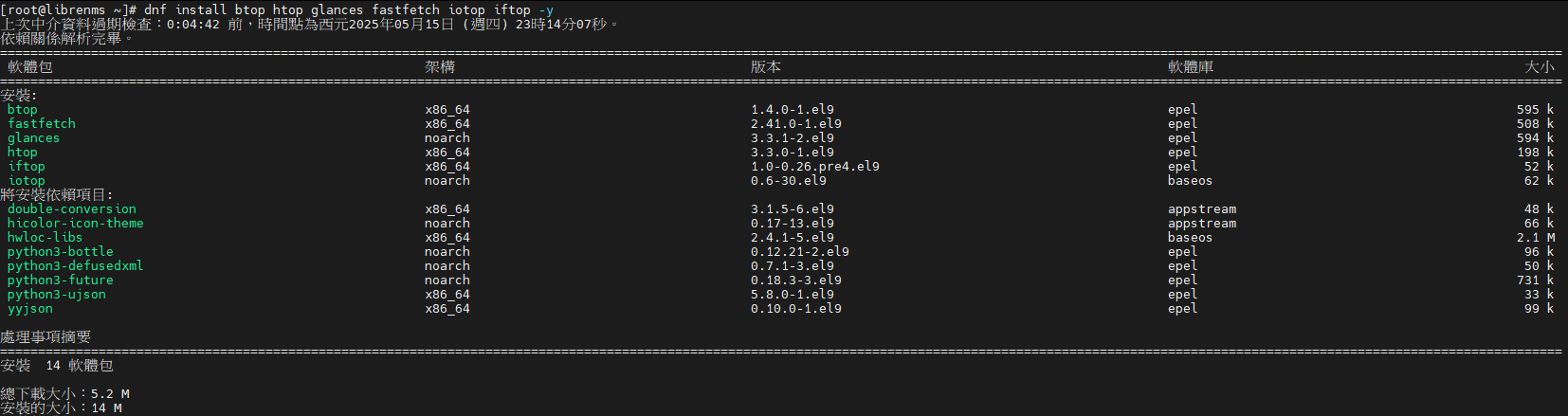 #### 開始安裝 鍵人我選擇用Apache ``` dnf -y install dnf-utils http://rpms.remirepo.net/enterprise/remi-release-9.rpm dnf module reset php dnf module enable php:8.2 dnf install bash-completion cronie fping gcc git httpd ImageMagick mariadb-server mtr net-snmp net-snmp-utils nmap php-fpm php-cli php-common php-curl php-gd php-gmp php-json php-mbstring php-process php-snmp php-xml php-zip php-mysqlnd python3 python3-devel python3-PyMySQL python3-redis python3-memcached python3-pip python3-systemd rrdtool unzip ``` #### 新增LibreNMS User ``` useradd librenms -d /opt/librenms -M -r -s "$(which bash)" ``` #### 下載 LibreNMS ``` cd /opt git clone https://github.com/librenms/librenms.git ``` 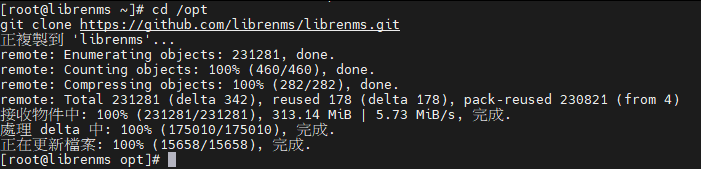 #### 設定權限 ``` chown -R librenms:librenms /opt/librenms chmod 771 /opt/librenms setfacl -d -m g::rwx /opt/librenms/rrd /opt/librenms/logs /opt/librenms/bootstrap/cache/ /opt/librenms/storage/ setfacl -R -m g::rwx /opt/librenms/rrd /opt/librenms/logs /opt/librenms/bootstrap/cache/ /opt/librenms/storage/ ```  #### 安裝PHP相依性套件 先切換為使用者 librenms ``` su - librenms ``` 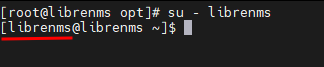 執行批次檔 ``` ./scripts/composer_wrapper.php install --no-dev exit ``` 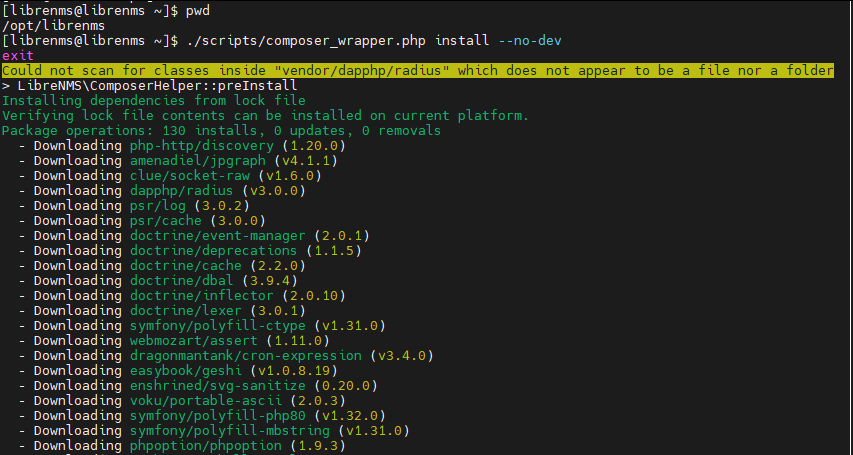 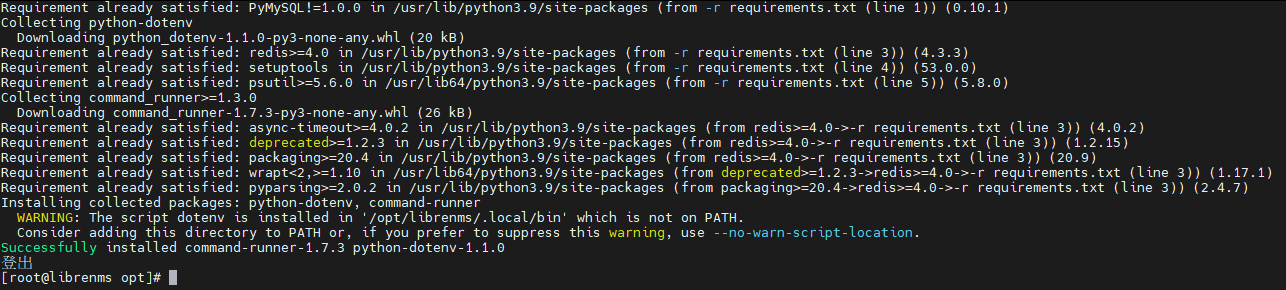 #### 設定PHP時區 編輯 /etc/php.ini ``` vim /etc/php.ini #找到 ;date.timezone = #改寫為 date.timezone = "Asia/Taipei" ESC => :wq 存檔離開 ``` 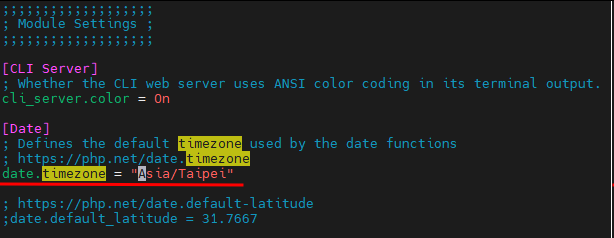 順便確認一下系統時區 ``` timedatectl ``` 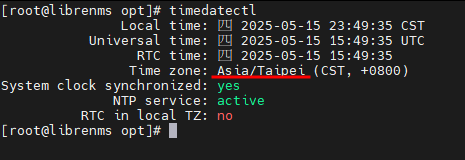 如果時區不對可以透過下面指令變更時區 ``` timedatectl set-timezone "Asia/Taipei" ``` #### 設定MariaDB 編輯 mariadb-server.cnf ``` vim /etc/my.cnf.d/mariadb-server.cnf ``` 在 \[mysqld\] 下面加入下面的設定後存檔離開 ``` innodb_file_per_table=1 lower_case_table_names=0 ``` 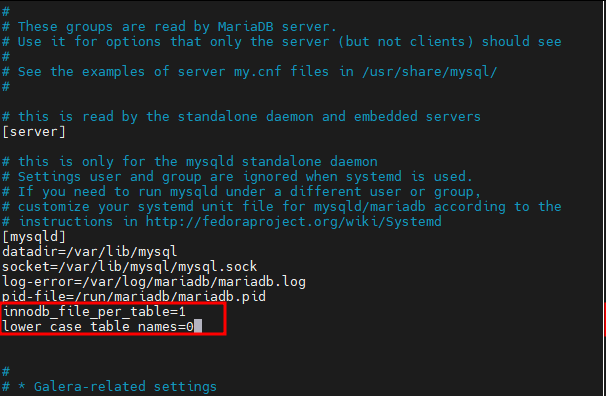 重新啟動 MariaDB Service 並設定為開機自動啟動 ``` systemctl enable mariadb systemctl restart mariadb systemctl status mariadb ``` 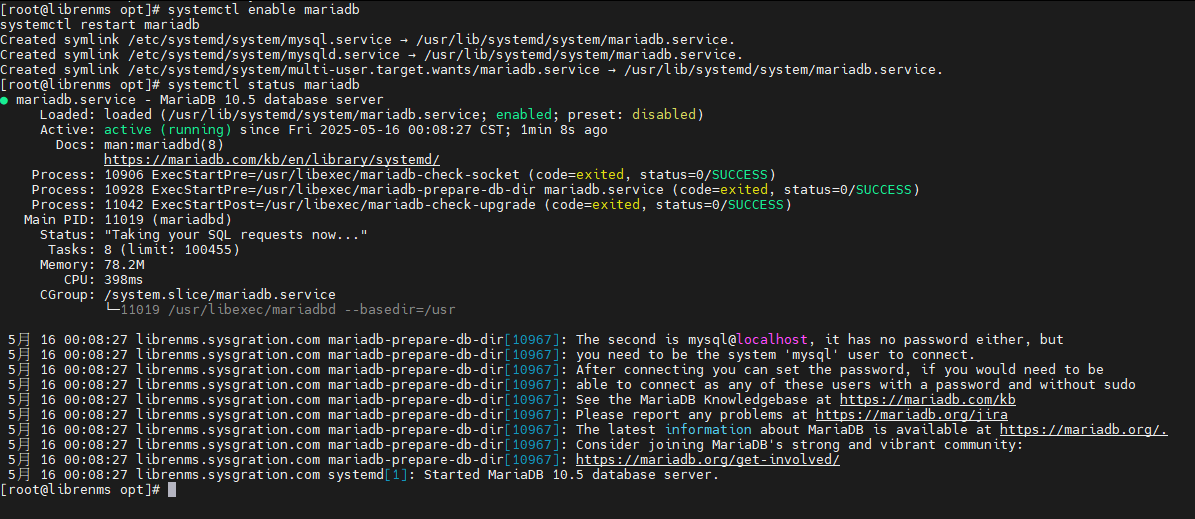 執行下面指令新增mysql使用者及密碼 ``` mysql -u root ``` 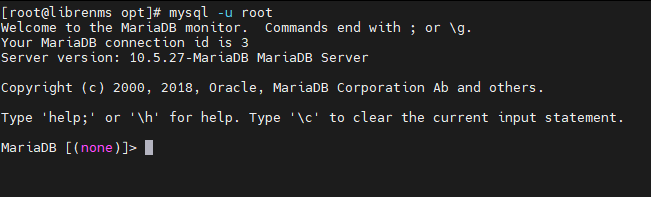 ``` CREATE DATABASE librenms CHARACTER SET utf8mb4 COLLATE utf8mb4_unicode_ci; CREATE USER 'librenms'@'localhost' IDENTIFIED BY '改你要設定的密碼'; GRANT ALL PRIVILEGES ON librenms.* TO 'librenms'@'localhost'; exit ``` 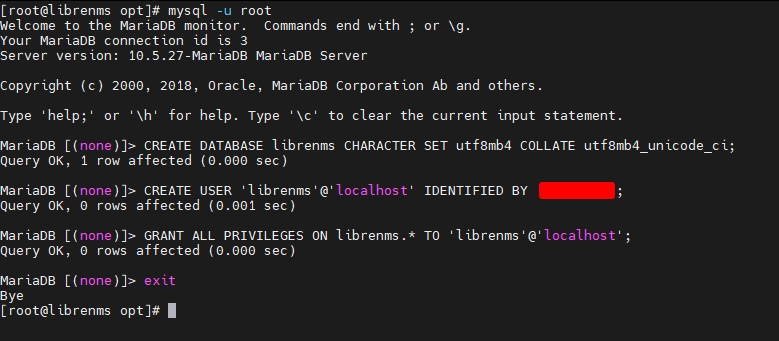 #### 設定PHP-FPM ``` cp /etc/php-fpm.d/www.conf /etc/php-fpm.d/librenms.conf vim /etc/php-fpm.d/librenms.conf ``` 變更下面設定如圖片所示後存檔離開 ``` [librenms] user = librenms group = librenms listen = /run/php-fpm-librenms.sock ``` 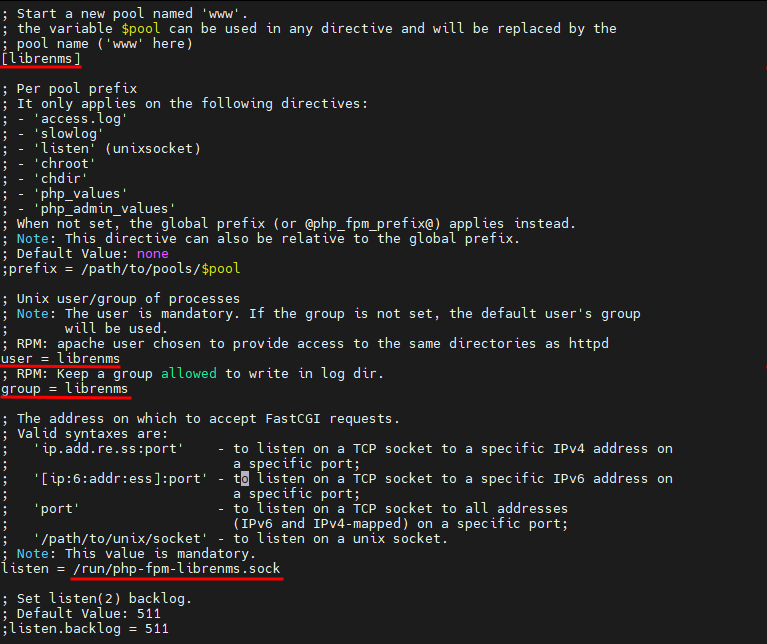 #### 設定Apache 建立librenms.conf ``` vim /etc/httpd/conf.d/librenms.conf ``` 貼上下面設定值,修改LibreNMS主機FQDN,並存檔離開 ```其實關閉了SELinux應該不用做這一段,但反正官方文件有就加減做
在root建立temp資料匣 ``` cd / mkdir temp chmod 777 temp cd /temp ``` 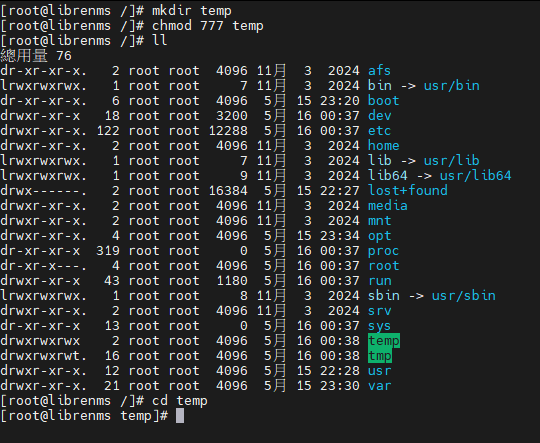 建立http\_fping.tt檔案 ``` touch http_fping.tt vim http_fping.tt ``` 將下面內容貼入 http\_fping.tt 後存檔離開 ``` module http_fping 1.0; require { type httpd_t; class capability net_raw; class rawip_socket { getopt create setopt write read }; } #============= httpd_t ============== allow httpd_t self:capability net_raw; allow httpd_t self:rawip_socket { getopt create setopt write read }; ``` 執行下面指令 ``` checkmodule -M -m -o http_fping.mod http_fping.tt semodule_package -o http_fping.pp -m http_fping.mod semodule -i http_fping.pp ``` #### 設定Firewall 先確認Firewall狀態 ``` firewall-cmd --list-all ``` 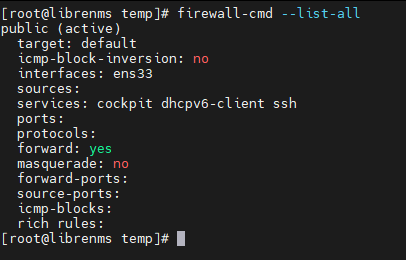 允許 http、https、syslog、snmp 服務syslog服務後面會用到,snmp是當建置DR另一台LibreNMS反向偵測時會用到
``` firewall-cmd --permanent --add-service http --add-service https --add-service syslog --add-service snmp ``` Reload設定,再次確認 firewall狀態 ``` firewall-cmd --reload firewall-cmd --list-all ``` 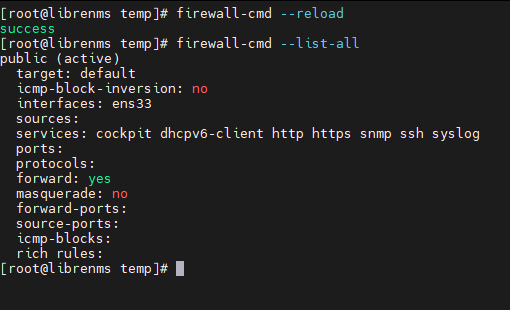 #### 設定lnms指令連結 ``` ln -s /opt/librenms/lnms /usr/bin/lnms cp /opt/librenms/misc/lnms-completion.bash /etc/bash_completion.d/ ``` #### 設定 snmpd ``` cp /opt/librenms/snmpd.conf.example /etc/snmp/snmpd.conf vim /etc/snmp/snmpd.conf ``` 將下面community置換為你所設定的值,其他資訊自己改一改後存檔離開 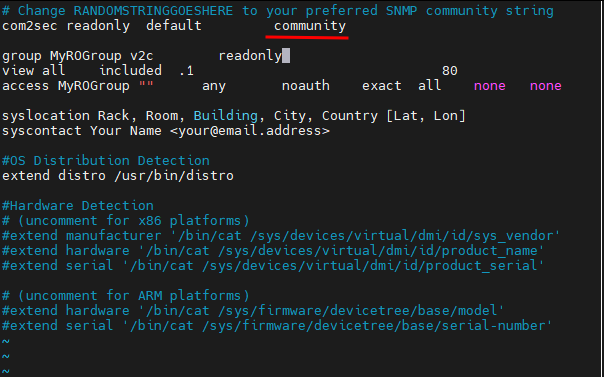 #### 安裝LibreNMS Linux Distro 直接執行BJ4,設定啟動並執行SNMP Service ``` curl -o /usr/bin/distro https://raw.githubusercontent.com/librenms/librenms-agent/master/snmp/distro chmod +x /usr/bin/distro systemctl enable snmpd systemctl restart snmpd systemctl status snmpd ``` 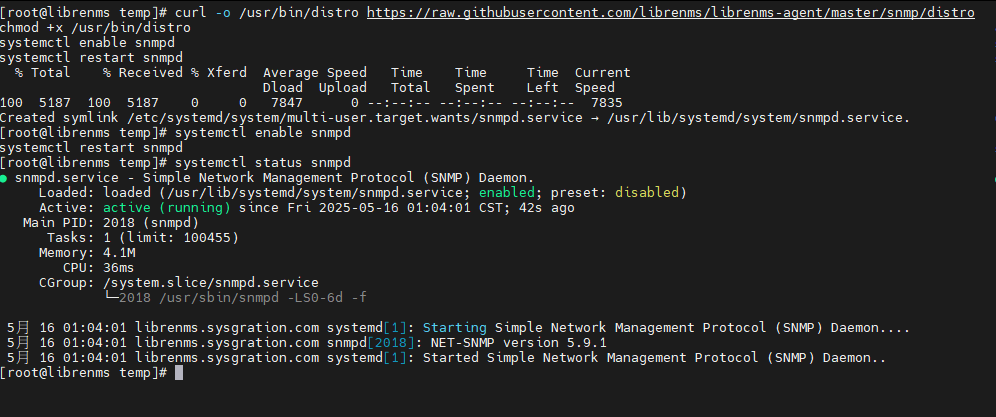 #### 複製Cron Job ``` cp /opt/librenms/dist/librenms.cron /etc/cron.d/librenms ``` #### 啟動排程Timer ``` cp /opt/librenms/dist/librenms-scheduler.service /opt/librenms/dist/librenms-scheduler.timer /etc/systemd/system/ systemctl enable librenms-scheduler.timer systemctl start librenms-scheduler.timer ``` #### 複製循環Log設定值 ``` cp /opt/librenms/misc/librenms.logrotate /etc/logrotate.d/librenms ``` #### 初始設定LibreNMS Browser 開啟 http://LibreNMS.主機.FQDN/install,點擊資料庫 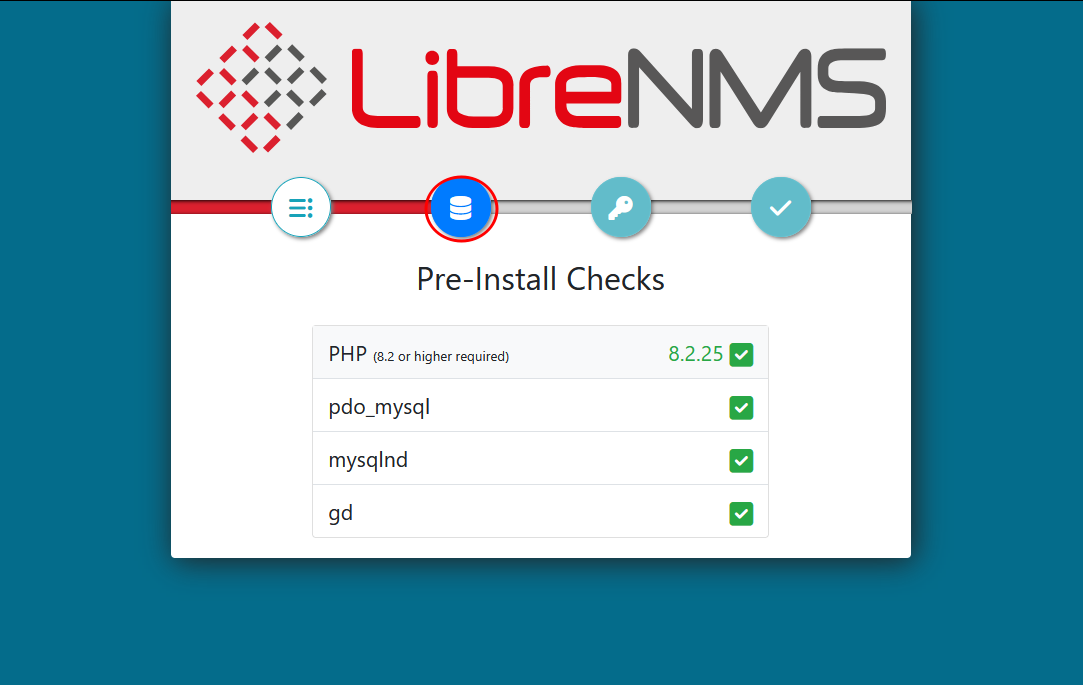 進行DB設定 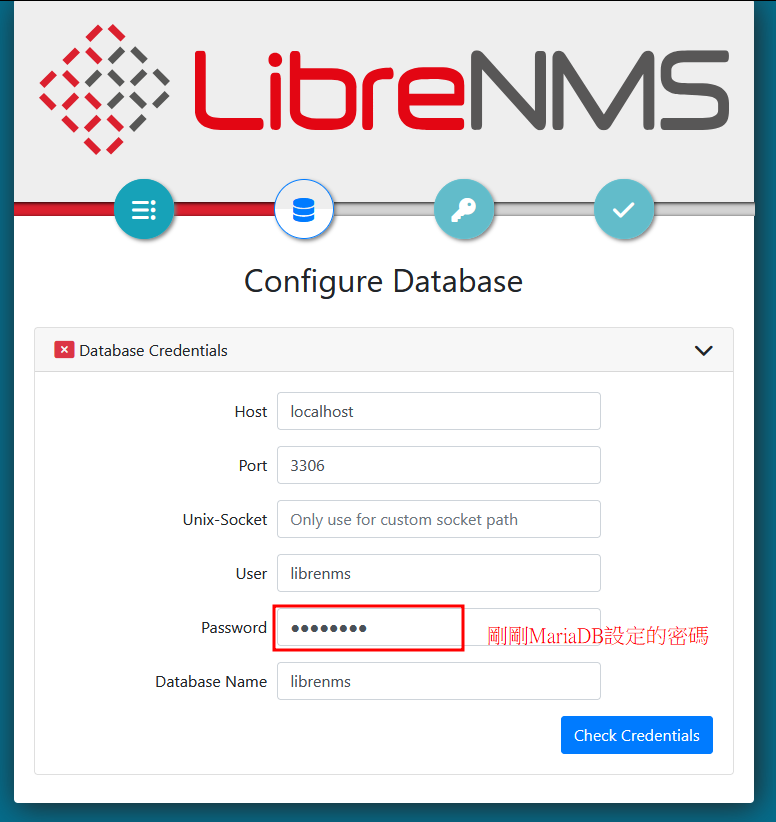 建立DB 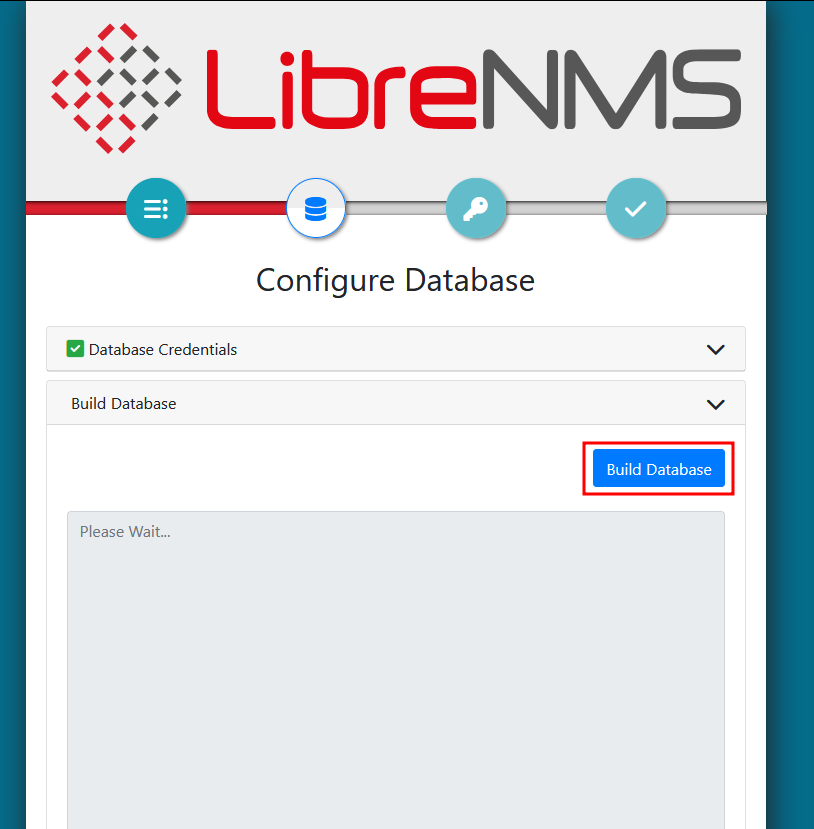 DB建立完成,繼續設定admin帳號密碼 [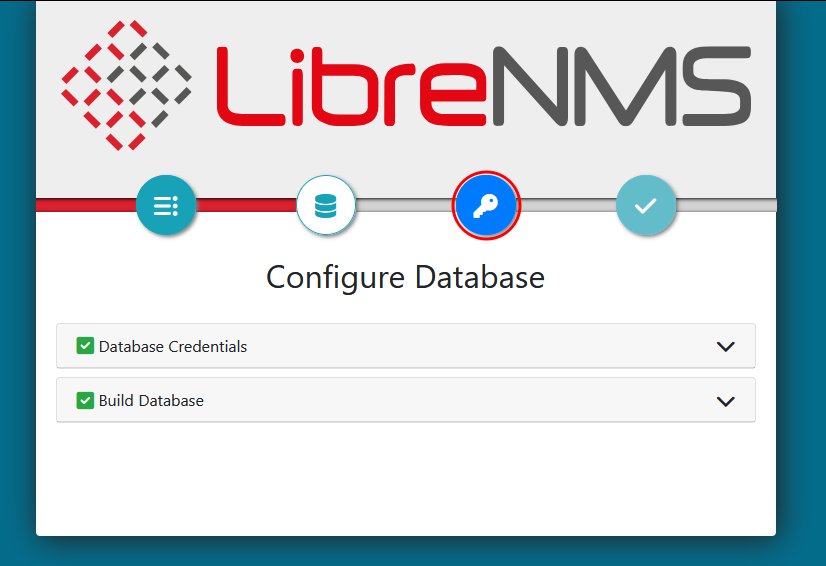](https://mdfk.goddamn.idv.tw/uploads/images/gallery/2025-05/4m6l3HlNHO.png) 鍵入自己喜歡的使用者 Add User 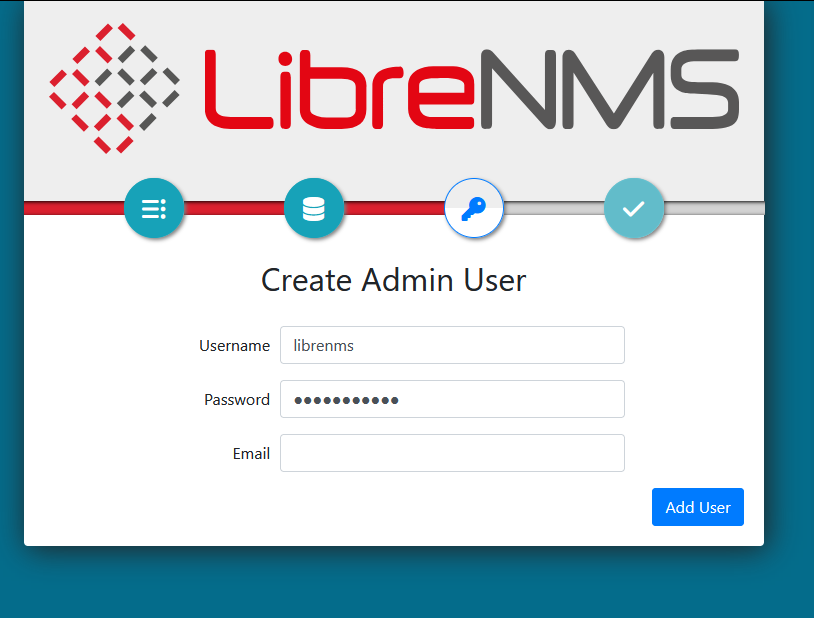 完成設定  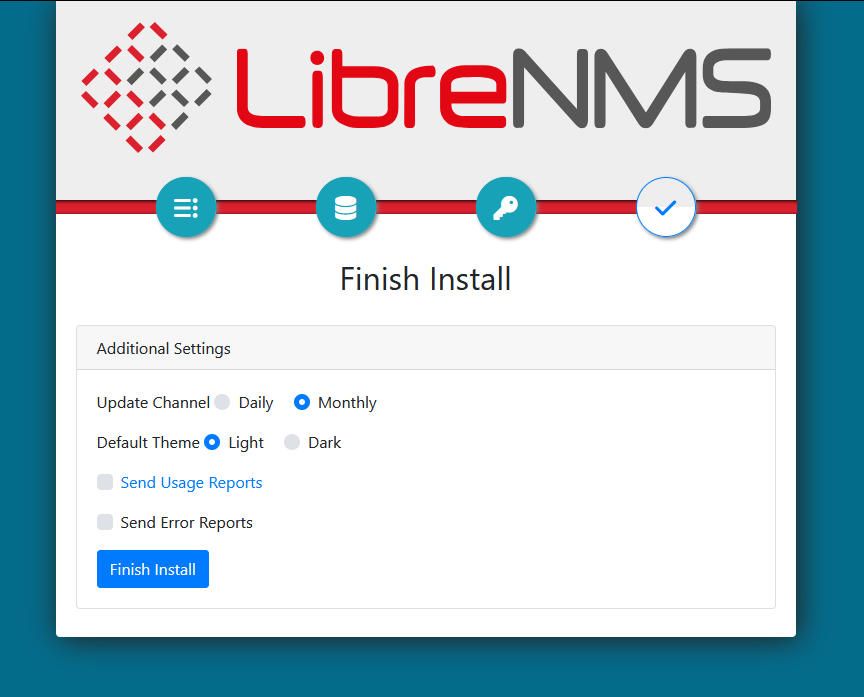 驗證安裝 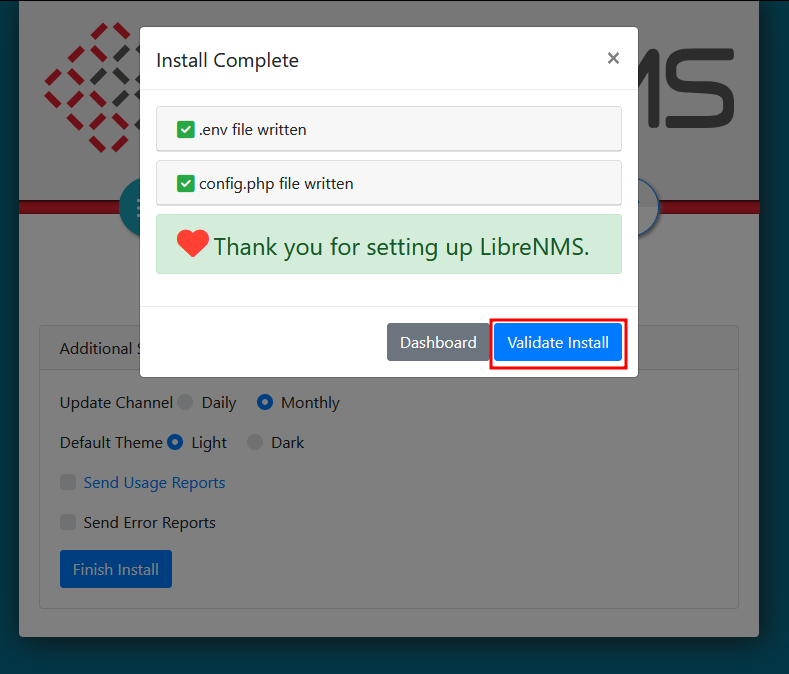  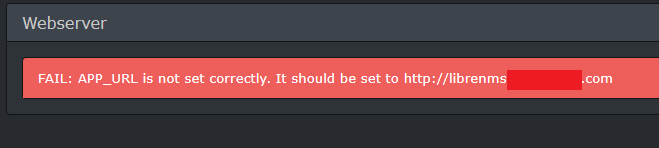 出現這個問題不用驚慌,修改 .env 即可 ``` cd /opt/librenms vim .env ``` 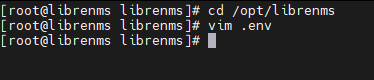 [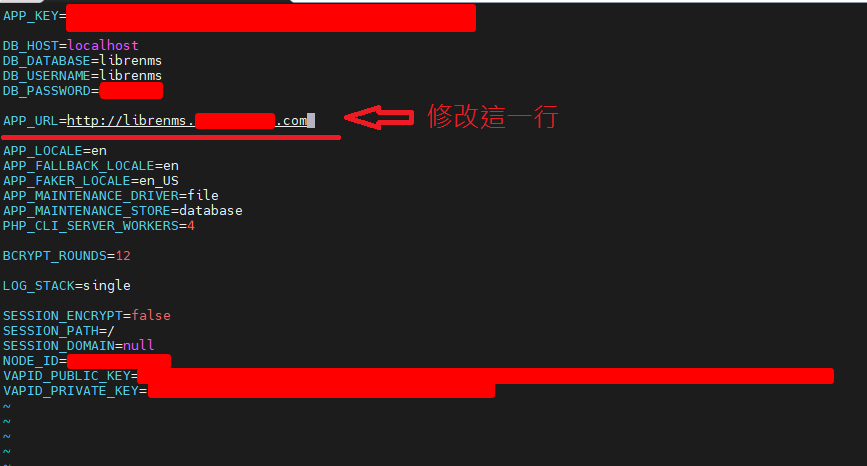](https://mdfk.goddamn.idv.tw/uploads/images/gallery/2025-05/3dCz5wetvC.png) 或者也可以透過CLI執行下面指令驗證 ``` cd /opt/librenms/ su librenms ./validate.php ``` 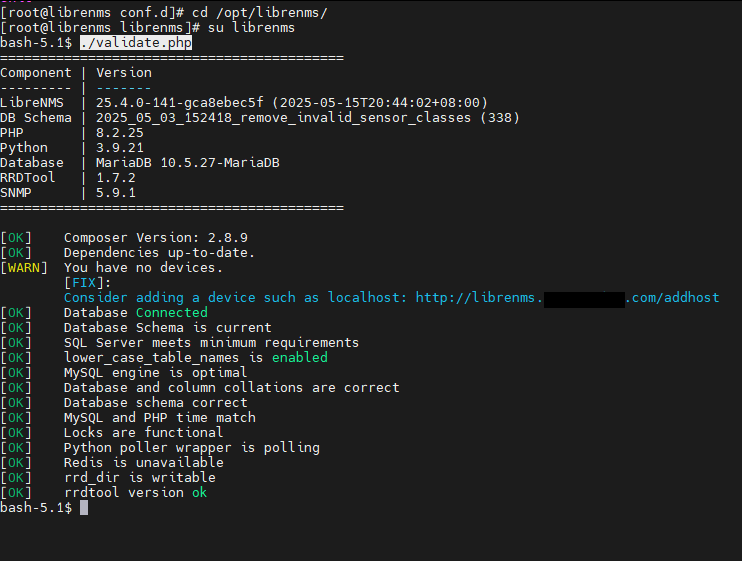 到此LibreNMS基本安裝完成,優化校調、Plugins安裝 下回分解。 # Rocky Linux 9.5 LibreNMS 優化及Plugins安裝 #### RRDCached ``` ln -s /opt/librenms/dist/rrdcached/rrdcached.service /etc/systemd/system/ systemctl daemon-reload systemctl enable --now rrdcached.service ``` ``` su librenms lnms config:set rrdcached "unix:/run/rrdcached.sock" ``` 編輯/opt/librenms/config.php將下列一行的#移除 ``` #$config['rrdcached'] = "unix:/var/run/rrdcached.sock"; ``` #### 安裝SyslogNG ``` dnf install syslog-ng ``` 編輯 /etc/syslog-ng/conf.d/librenms.conf,貼上下面設定 ``` source s_net { tcp(port(514) flags(syslog-protocol)); udp(port(514) flags(syslog-protocol)); }; destination d_librenms { program("/opt/librenms/syslog.php" template ("$HOST||$FACILITY||$PRIORITY||$LEVEL||$TAG||$R_YEAR-$R_MONTH-$R_DAY $R_HOUR:$R_MIN:$R_SEC||$MSG||$PROGRAM\n") template-escape(yes)); }; log { source(s_net); source(s_sys); destination(d_librenms); }; ``` 重新啟動服務 ``` service syslog-ng restart su librenms lnms config:set enable_syslog true ``` #### 安裝Nagios Plugins ``` # 建立 nagios 群組 sudo groupadd nagios # 建立 nagios 使用者並加入群組 sudo useradd -r -s /sbin/nologin -g nagios nagios # 安裝必要工具 sudo dnf install gcc make autoconf automake openssl-devel net-snmp net-snmp-utils # 下載原始碼 cd /temp wget https://github.com/nagios-plugins/nagios-plugins/releases/download/release-2.4.12/nagios-plugins-2.4.12.tar.gz tar -xzf nagios-plugins-2.4.12.tar.gz cd nagios-plugins-release-2.4.9 # 編譯與安裝 ./tools/setup ./configure --with-nagios-user=nagios --with-nagios-group=nagios make make install # 安裝完成,因為常用所以把它連結到 /opt ln -s /usr/local/nagios/libexec /opt/nagios ``` 編輯 /opt/librenms/config.php,設定 nagios plugins路徑 ``` vim /opt/librenms/config.php #增加 $config['show_services'] = 1; $config['nagios_plugins'] = "/usr/local/nagios/libexec"; ``` 編輯 /etc/cron.d/librenms ``` vim /etc/cron.d/librenms #增加服務檢查 */5 * * * * librenms /opt/librenms/services-wrapper.py 1 ```